USB With Linux Plug In. Power Up. Run Linux.

USB With Linux

Plug In. Power Up. Run Linux.

Latest Articles

Ports on a Leash: A Working USBGuard Allowlist for Real Linux Desktops
Hardware Guides

Ports on a Leash: A Working USBGuard Allowlist for Real Linux Desktops

A $3 controller can make a thumb drive announce itself as a keyboard and type whatever it wants. Here is a USBGuard setup that actually survives daily use — baseline policy generation, hub and dock handling, emergency access when you lock yourself out, and the honest trade-offs of strict allowlisting.

Your DAC Is Probably Fine: A Diagnostic Ladder for Crackly USB Audio on Linux
Troubleshooting

Your DAC Is Probably Fine: A Diagnostic Ladder for Crackly USB Audio on Linux

Pops, dropouts, and half-second silences at the start of every track are not automatically the audio server's fault. Work the ladder in order — kernel messages, hardware bypass, sample rates, autosuspend, xHCI quirks, latency — and you will know within twenty minutes whether the problem is the device, the port, or the stack.

One Scanner, Three Desktops: USB over IP That Earns Its Keep at Home
Networking

One Scanner, Three Desktops: USB over IP That Earns Its Keep at Home

usbip lets a Linux box hand a physically attached USB device to another machine across the LAN, which is genuinely useful for scanners, serial adapters, and license dongles — and genuinely useless for webcams and audio interfaces. Here is the setup, the limits, and why the port has no authentication worth the name.

When USB Ports Lie: Power Budgets, Brownouts, and PD Negotiation on Linux
Hardware Guides

When USB Ports Lie: Power Budgets, Brownouts, and PD Negotiation on Linux

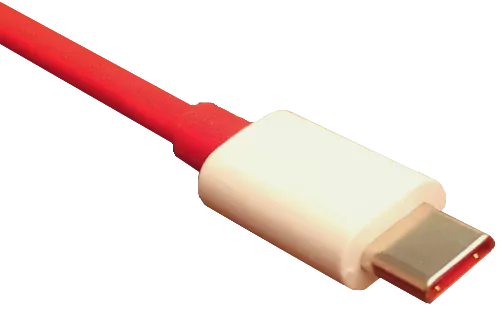
A USB-C port can charge a laptop and still fail to spin up a portable SSD. That is not a contradiction; it is power budgeting, cable behavior, and USB Power Delivery negotiation showing up in the kernel log. Here is how to diagnose brownouts on Linux without buying random hubs.

dmesg Without the Drama: A USB Error Field Guide for Linux Users
Troubleshooting

dmesg Without the Drama: A USB Error Field Guide for Linux Users

Most USB kernel messages are not emergencies. Some are the hardware screaming. This field guide separates normal enumeration noise from real failures, shows which commands narrow down the device, and gives you a sane escalation path before anyone reinstalls the OS.

12 USB Peripherals That Earn Their Keep on Linux in 2026—and 6 That Need a Caution Sticker
Buying Guides

12 USB Peripherals That Earn Their Keep on Linux in 2026—and 6 That Need a Caution Sticker

Compatibility lists age badly. This shortlist focuses on specific USB peripherals that US Linux users can test inside a return window in 2026, plus a few popular models whose quirks deserve a warning label. Bring `lsusb`, `dmesg`, and a calendar reminder.

Cutting Through the USB 3.x Confusion: What Linux Users Actually Need to Know About Speed Tiers
Hardware Guides

Cutting Through the USB 3.x Confusion: What Linux Users Actually Need to Know About Speed Tiers

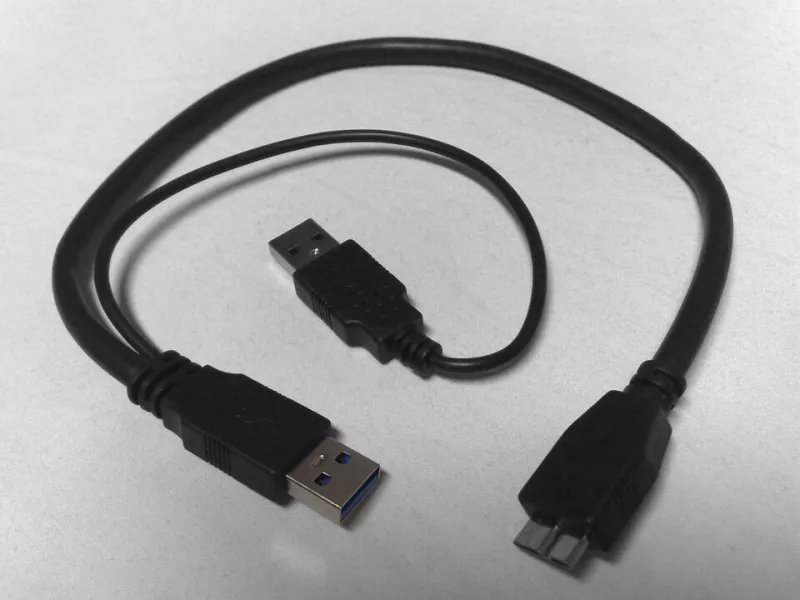
USB 3.0, 3.1, and 3.2 sound like a straightforward progression, but the reality is messier — and more interesting — than the marketing suggests. We break down how each generation performs on real Linux systems, how kernel support has evolved over the years, and whether chasing the latest spec is actually worth your money.

Your Linux Lifeline: How to Build a Recovery USB That Won't Let You Down
Hardware Guides

Your Linux Lifeline: How to Build a Recovery USB That Won't Let You Down

When your system goes sideways at the worst possible moment, a well-built recovery USB is the difference between a quick fix and a full reinstall nightmare. We break down the tools, the techniques, and the real-world gotchas so your emergency drive is ready before you ever need it.

Dock It Right: The Linux User's Complete Playbook for USB-C Docking Stations
Hardware Guides

Dock It Right: The Linux User's Complete Playbook for USB-C Docking Stations

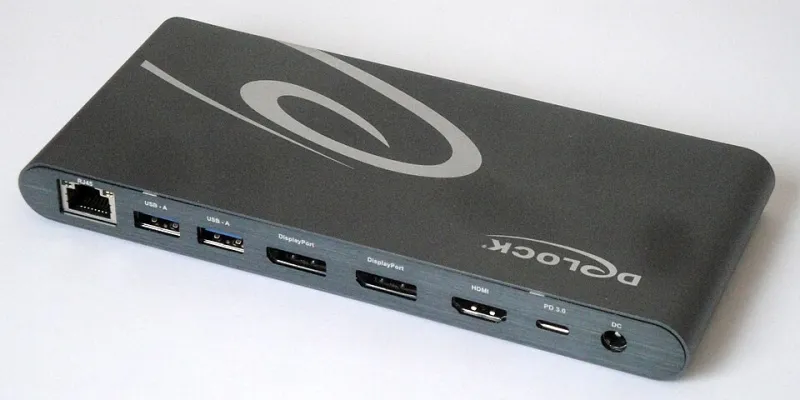
USB-C docking stations promise a one-cable desktop experience, but on Linux they can quickly turn into a rabbit hole of driver quirks, power delivery mysteries, and multi-monitor chaos. We tested seven popular docks across Ubuntu, Fedora, and Arch to help you find the one that actually works. Here's everything you need to know before you buy.